A tiny symbol, a wild idea, something only you understand. Let’s give it a shape.
✧
Made for the “what if?” moment.
01Start with an idea
Try:
02Find your style
1 free AI preview. No sign-up. No card.
THE POSSIBILITIESMADE FOR YOU
Your next idea starts here.
03 — MAKE IT YOURS
A little less wondering. A lot more you.
One free AI preview No sign-up to try or buy No subscription, ever
A LITTLE PREVIEW OF WHAT’S POSSIBLE
Different ideas. Same blank canvas.
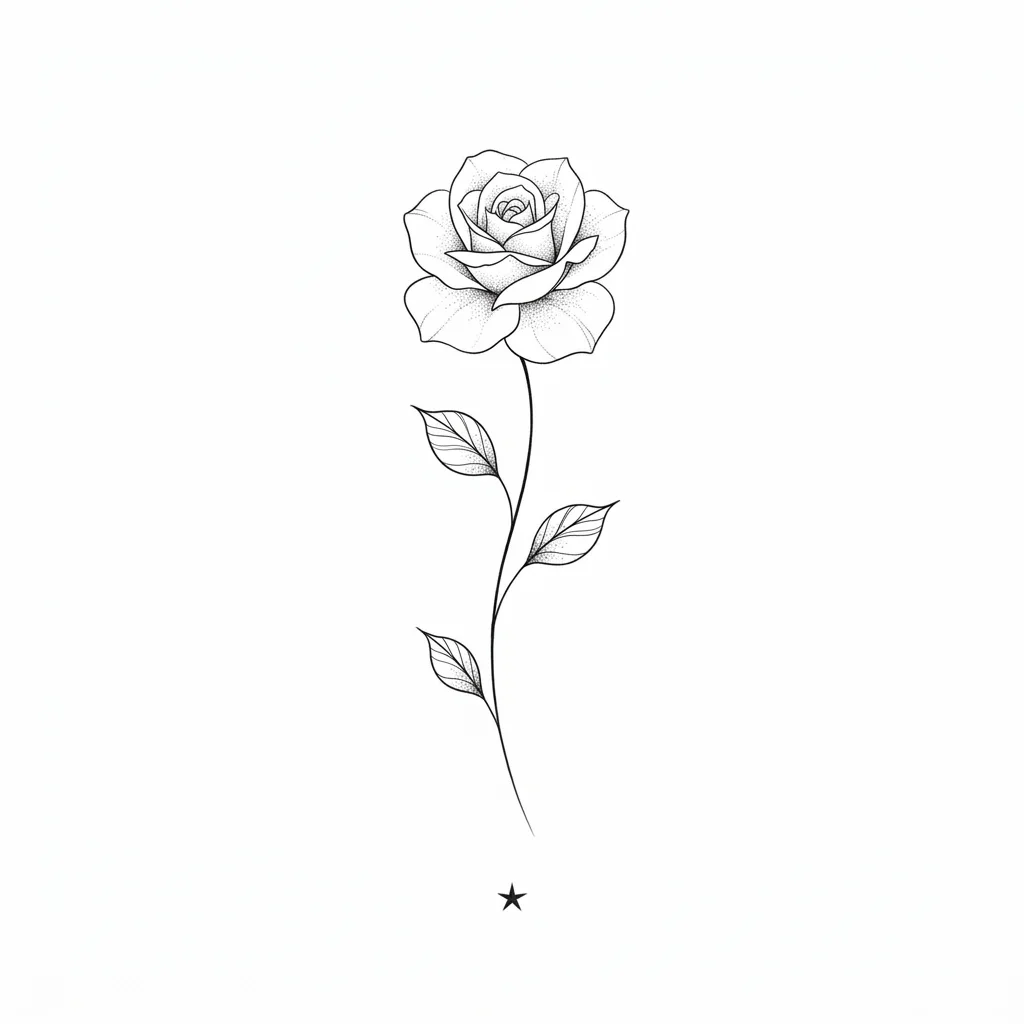
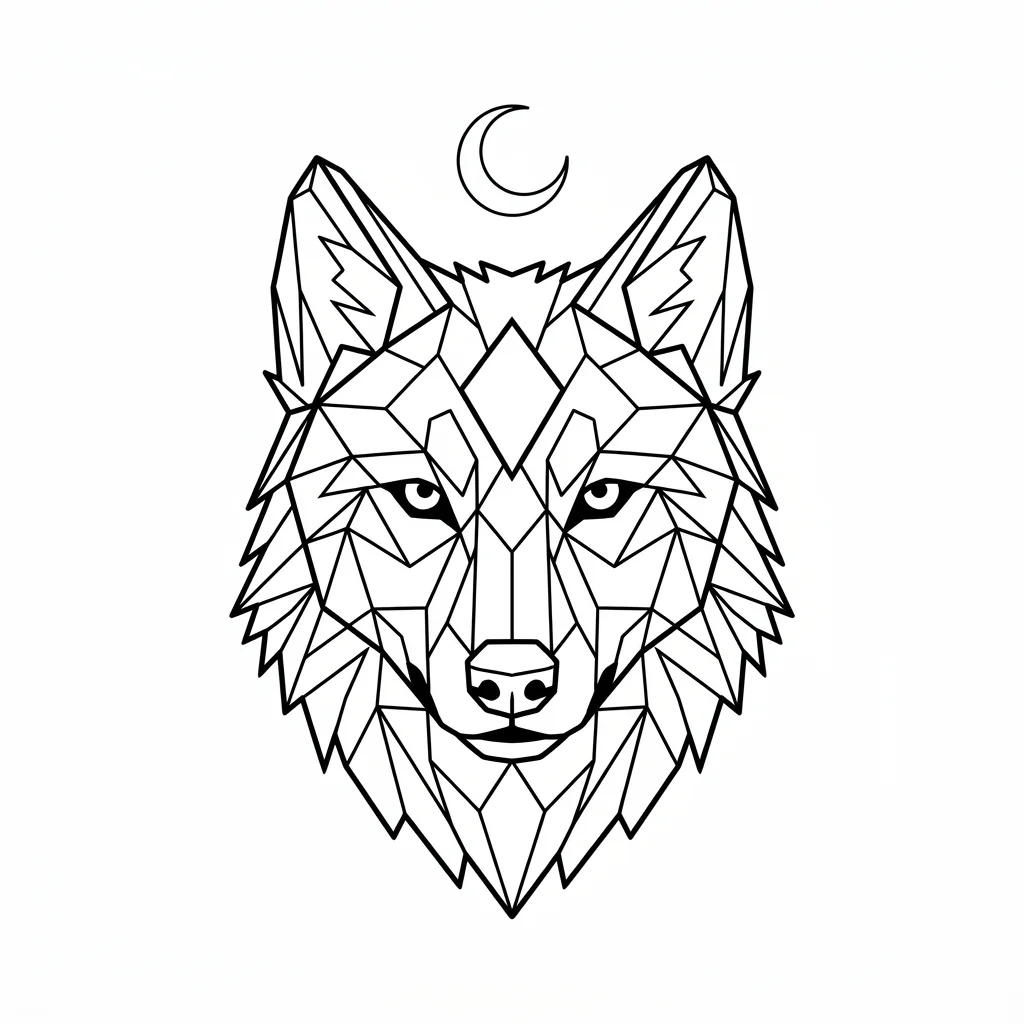
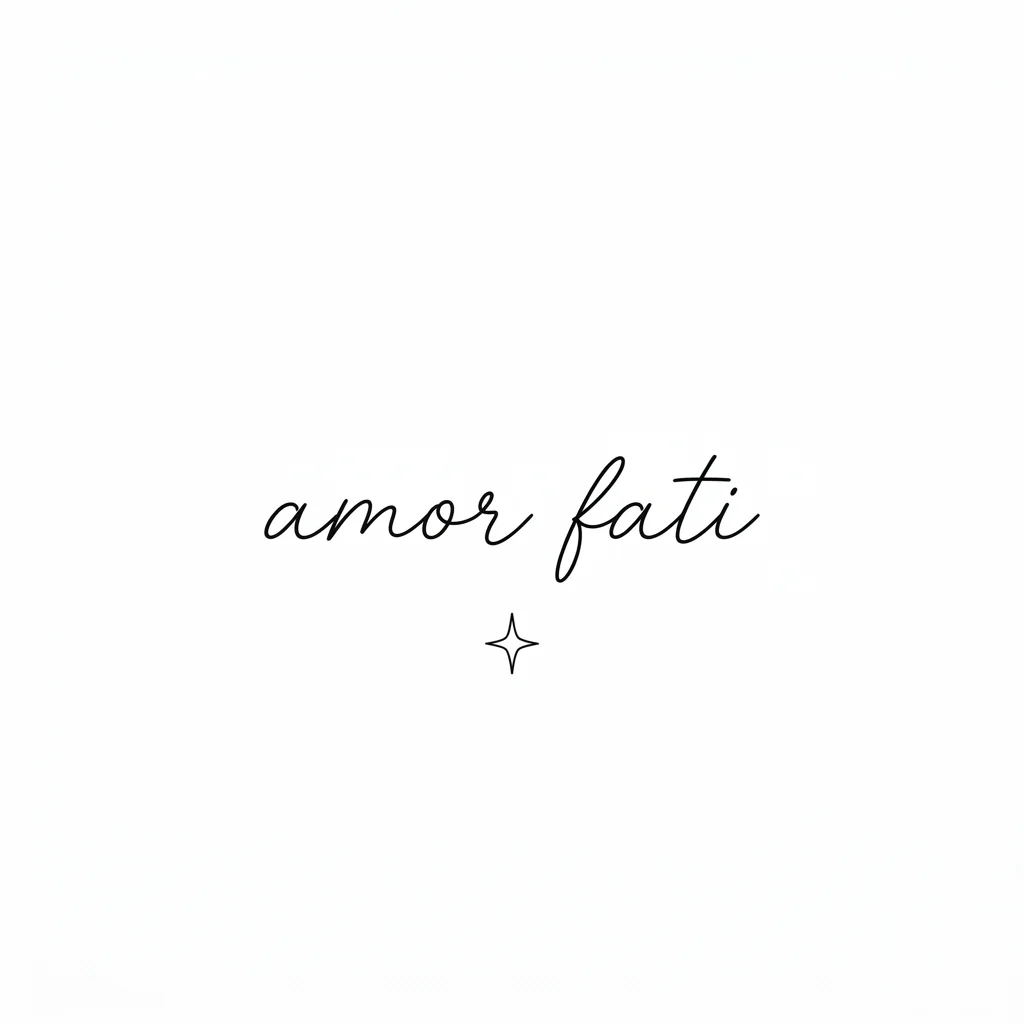
These examples were generated during our model tests. Your results will vary.
01 / FINE LINE
02 / GEOMETRIC
03 / LETTERING
THREE LITTLE STEPS
Less wondering. More you.
01
Describe the idea
Tell us the subject, feeling and little details.
02
Pick a style
Fine line, bold blackwork, geometric and more.
03
Make it yours
Create a preview, then try it on or make a stencil.
A FEW THINGS WORTH KNOWING
Think it through. Then make it yours.
Start with the subject, feeling, or small detail you want to carry with you. Choose a style and turn that direction into a design you can refine with your tattoo artist. Your first basic AI preview is free, with no account required.
Describe the main subject first: a rose on a curved stem, a wolf inside geometric shapes, or a short word in flowing script. Add the intended placement and whether you want black ink or color. A few concrete choices give the generator more direction than a long list of unrelated styles.
If one detail matters, say so plainly. Ask for three leaves rather than many leaves, one crescent moon rather than a night sky, or the exact words you want. AI can still misunderstand counts and lettering. Read the result carefully before treating it as a reference.
Popular Tattoo Styles
Blackwork uses strong contrast, solid areas, and purposeful negative space. It can make a simple symbol feel bold, but dense shapes need room to remain readable. Ask for a clear silhouette if the intended placement is small.
Minimalist and fine-line designs focus on a small number of shapes or delicate outlines. These are useful starting directions for a wrist, ankle, or compact forearm piece. Fine detail on a large screen is not evidence that it will work at a tiny tattoo size.
Tribal-inspired designs use rhythm, repeated shapes, and the relationship between the artwork and the body. Be specific about the visual direction, and understand the cultural meaning of any pattern you choose rather than treating every traditional motif as decoration.
Japanese-inspired artwork often brings flowing composition, strong outlines, waves, flowers, or animals together. Give the generator one main subject and a clear direction of movement. A larger composition still needs an artist’s planning to fit a sleeve or back.
Geometric work uses symmetry, polygons, circles, and measured spacing. Check whether lines meet cleanly and whether paired details balance. Script and lettering require a different check: verify every letter, spelling, spacing, and meaning, even when the overall design looks attractive.
From a prompt to a reference in three steps
Describe the design, choose a style, and generate a preview. Keep the first request focused. Once you have a result, decide what you actually want to change: the composition, line weight, or one specific element. Each new AI generation uses an available processing opportunity.
The first free preview is shared with the other tools on this site. After the trial, one-time packs provide additional processing and high-resolution export rights. You can buy without creating an account, and the checkout explains what the pack includes before payment.
From Design to Skin
A design on white paper tells only part of the story. Open the try-on tool with your chosen artwork and place it on a photo of the intended area. Use basic positioning to compare scale and direction. An AI enhancement can provide a more blended reference, while sometimes reinterpreting fine details.
When you are ready to discuss the idea with an artist, keep the clean design as well as the placement preview. The stencil tool can prepare black-and-white linework and a sized print layout. An artist should review the drawing and transfer size before it becomes a tattoo.
BEFORE YOU COMMIT
Good questions.
The small things you might be wondering.
Can I use a generated design commercially?+
The tool is intended to help you create tattoo references. Commercial use depends on the applicable service and model terms and on the rights in your inputs. We do not promise exclusive ownership, copyright protection, or that a result cannot resemble someone else’s work. Review the terms before resale or commercial publication.
Can I change a design after generating it?+
You can describe a revised direction and generate another result using an available AI processing opportunity. Keep the change specific. A new generation may alter other details too, so compare it with the version you liked.
Do I have to register?+
No. You can use the free basic AI preview and purchase a one-time pack without creating an account. An account is optional. Keep access to the email used for payment so you can recover your purchase.
How is Tattoo Maker different from tattoo try-on?+
Tattoo Maker creates artwork from your description. Try-on places selected artwork on a photo of your body to help you explore placement. Creating a design and requesting an AI skin preview are separate processing actions.
How many free designs can I generate?+
Each user receives one basic AI preview across all three tools. It does not reset daily, and using it in another tool uses the same allowance. Technical failures do not consume it. Further AI processing and high-resolution exports are available in paid packs.
What resolution will I receive?+
The basic AI preview uses the 1K output tier. Exact pixel dimensions depend on the chosen aspect ratio. High-resolution export is paid and its available specification is shown before purchase. A larger image is not a guarantee that every line is suitable for a tattoo.